License & Activation Management
Your software license is what keeps everything running smoothly — whether you’re on a 10-day demo or a 5-year full license, managing it is quick and simple.
01
🎁 Demo License (10-Day Trial) — lets you explore all features for 10 days.02
Full License (5-Year Lifetime) — unlocks all features permanently after activation.
You can choose your license type right after installation, on the final panel of the Welcome Tour.
If you’ve purchased the software:
01
Open the app and choose Activate License on the Welcome screen.02
Fill in your registration details — Full Name, Username, Email, Password, and Profile Image.- • Make sure to use the same email you used for purchase (this is important for license verification).
03
Click Save, and wait for verification.04
Once verified, you’ll receive your encrypted license key by email.05
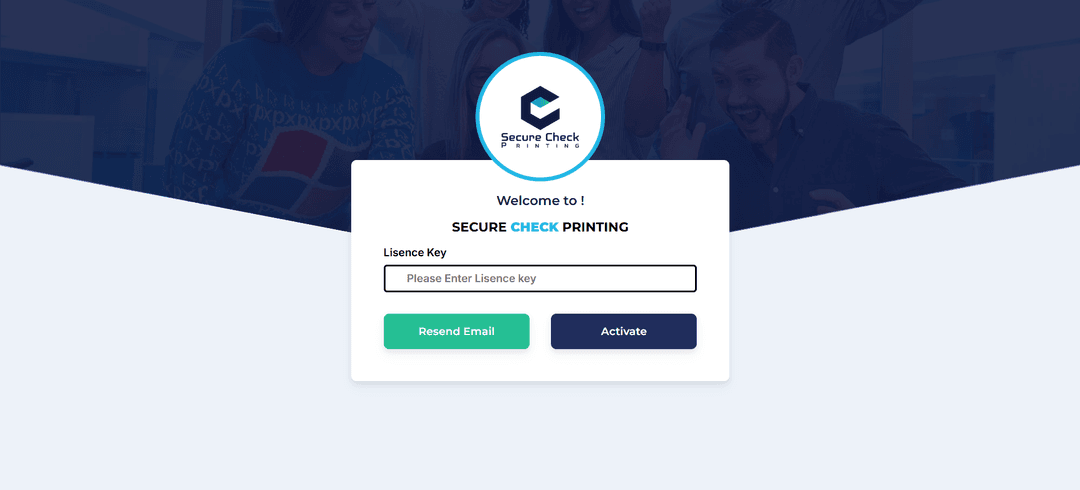
Paste this key into the activation field — your software is now fully licensed for 5 years!
If you’re using the demo version:
01
The software automatically locks after 10 days.02
To continue using it, simply purchase and activate the full license — your data stays safe.